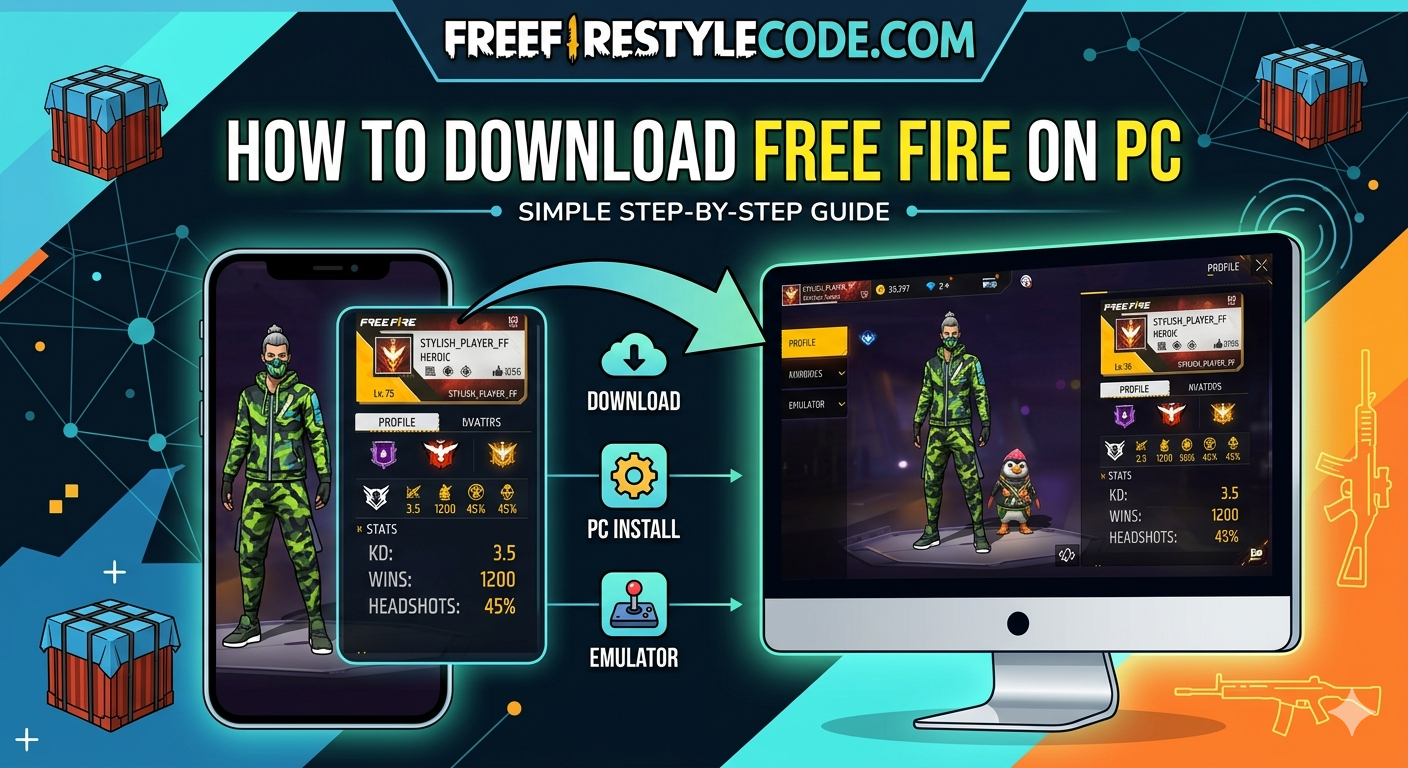
If you are a Free Fire fan and love to play the game on your mobile phone, then you might have definitely wondered what it would feel like to play the game on a bigger screen. This is the reason a lot of players are nowadays searching for and finding ways to play the game on their pc.
While it may sound tough because it’s a battle royale game designed for mobile phones, in reality, it’s possible to play Free Fire on your pc, and the process is so easy.
There are some tools called emulators, which make it possible to enjoy fast-paced gaming with better graphics and keyboard and mouse control.
In this guide, we will show you how to easily download and play Free Fire on your PC without any problems.
Apart From this, You Can Also Read Top Weapon Combos in Free Fire
Why Play Free Fire on PC
If you think playing Free Fire on pc is all about a bigger screen, then you might be wrong because it’s much more than that; it totally changes and improves your overall gaming experience.
First of all, you get keyboard and mouse controls, which make your movement and aiming much more accurate than that of the touch screen, thus benefiting you in intense fight situations.
Then comes the main part, which is that the performance of pc is much better than that of smartphones because it has better configurations, and thus gives you no lag at all. The game will run smoothly like butter. Also, there is no need to charge the battery or address overheating issues during long gaming sessions.
So if someone wants a much more comfortable gaming experience, then they should definitely try playing the game on their PC.
Read More: How to Customize Controls Like a Pro Player
System Requirements for Free Fire on PC
Before proceeding to download the game on your pc you need to make sure that your computer meets the basic requirements to be able to run the game smoothly. As you already got the idea that Free Fire on your pc runs with the help of imulators so, your Computer needs to be powerful enough to handle both the emulator and the game.
It also doesn’t mean you cannot play Free Fire on a low end Pc, but it’s just that you won’t be enjoying the game as much as you will with a high-end configurated pc. Below are the requirements. Have a look:
Minimum Requirements (Basic Gameplay)
- OS: Windows 7/8/10/11 (64-bit)
- Processor: Dual-core / Intel Core i3 (2.4 GHz)
- RAM: 4 GB
- Graphics: Intel HD Graphics 4000 or equivalent
- Storage: 4–5 GB free space
- Internet: Stable connection
Recommended Requirements (Smooth Gameplay)
- OS: Windows 10 or higher
- Processor: Intel Core i5 or higher (quad-core preferred)
- RAM: 8 GB or more
- Graphics: NVIDIA GTX 660 or better
- Storage: SSD with 5 GB free space
Best Emulator for Free Fire on PC
You need a good Android emulator to download Free Fire properly on your pc. These tools are something that helps you play the game smoothly.
BlueStacks and LDPlayer are the two most popular and trusted choices according to gamers. These are widely used and optimized for playing Free Fire on pc.
BlueStacks is the best choice for beginners because it has a simple interface and works very well most of the time. On the other hand, LDPlayer is light and often chosen for faster speeds and smoother gameplay on low-end PCs.
These emulators make the process of downloading and playing Free Fire on your pc very easy and hassle-free.
Read More: Secret Free Fire Sensitivity Settings
How to Download Free Fire on PC
By following these simple steps, you will be able to play Free Fire on your pc with no time. And that’s indeed the main part of this article, so let’s learn how to do it following these steps mentioned below:
How to do it Using BlueStacks
- At first, go to the official BlueStacks website and download the installer
- After installing, simply open the emulator on your PC
- Then sign in with your Google account
- Open the Google Play Store inside the emulator
- Next, you need to search for Free Fire
- Then click on “Install” and wait for the download to complete
- Lastly, launch the game and start playing
How to do it Using LDPlayer
- Firstly, download LDPlayer from its official website
- Then install and open the emulator
- Open the Play Store and sign in
- After that, search for Free Fire
- Then click Install
- Once it’s installed, open the game and enjoy
Ways to Improve Gameplay on PC
After learning how to download and install Free Fire on your pc, you need to optimize your setup in a better way to enjoy smooth performance and enhanced gameplay.
At first, if you are experiencing any lag, then lower your in-game graphics settings. This helps the game run smoothly if your pc is of a mid or low-end configuration.
Next, you need to turn on high FPS mode in your emulator settings, like in BlueStacks or LDPlayer. This helps by making things run more smoothly and quickly.
You should also change the controls on your keyboard. If you set up keys for actions like your movement and mining according to your comfort level, you will notice a significant improvement in your reaction time during matches in the Free Fire game.
Lastly, you need to close all the background running apps while playing the game. This helps the system free up resources and ensures the system performs well without frame drops.
Read More: How To Play Free Fire With Mouse And Keyboard in Mobile
Conclusion:
By now, you have surely understood the whole procedure to download and install the Free Fire game on your pc using easy and safe ways. Emulators like BlueStacks or LDPlayer make it possible and easy to play Free Fire on your computer smoothly.
Once you switch to pc you will notice a significant improvement in your gameplay in many ways, like a smooth gaming experience with better controls on a bigger screen.
Just follow the steps while applying the basic optimization tips, and you are ready to enjoy Free Fire like never before.
Read More Blogs Like This On FreeFireStyleCode. Also, Join WhatsApps Group For More Updates.