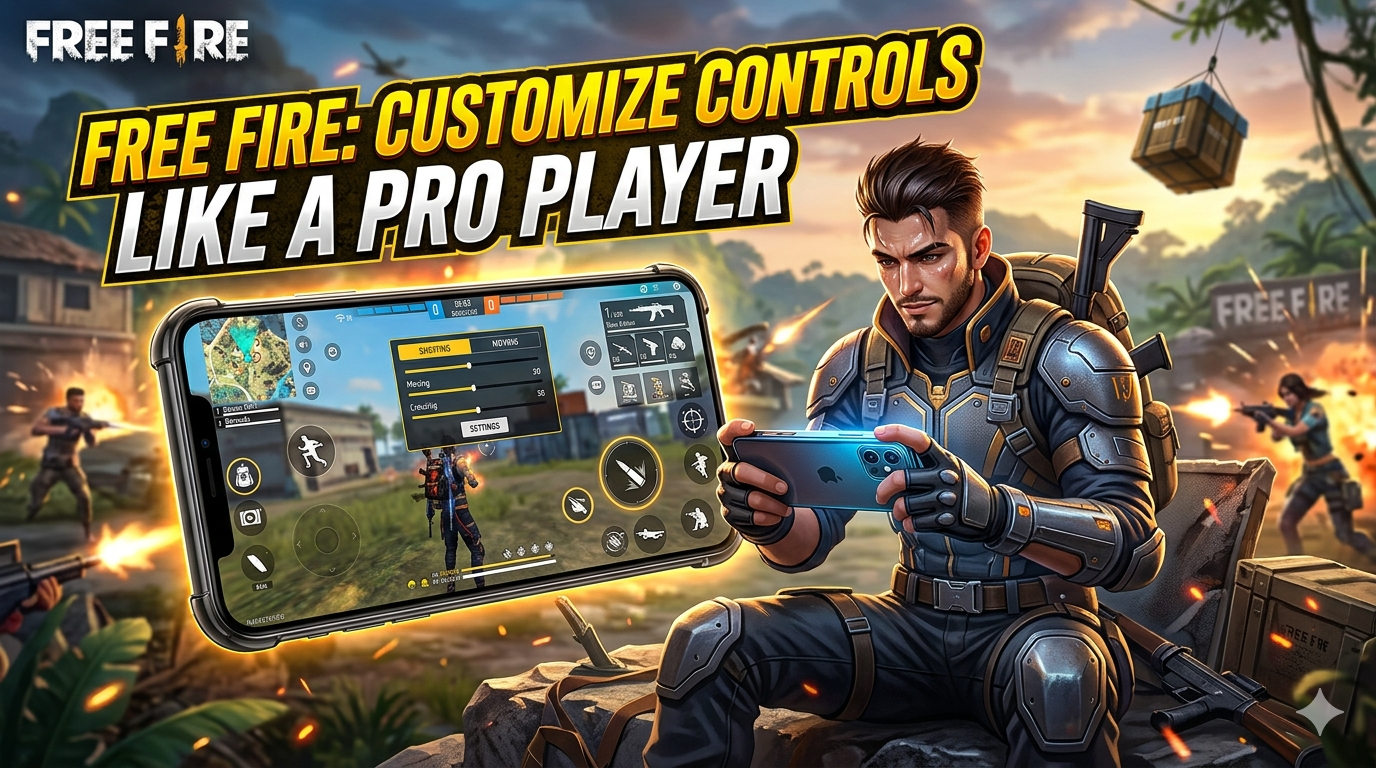
The majority of players in Free Fire tend to stick to default control settings, but only a few of them think out of the box and customize their controls for a better gameplay experience, which benefits them as a secret weapon, thus becoming a pro in the game.
As you might know, in the world of gaming, every millisecond counts. So with the right setup & Customization, your movements become smoother, your reactions faster, and your overall performance sharper, giving you the confidence to outplay opponents consistently.
In this guide, we will walk you through everything you need to know to customize your controls like a pro player. From beginner-friendly tips to advanced strategies, you will learn how to create a setup tailored to your style, avoid common mistakes, and play smarter, not harder.
In addition, we have curated a selection of Secret Free Fire Sensitivity Settings & How To Change Name In Free Fire that are definitely worth exploring- don’t miss out on checking them out!
Why Custom Controls Matter for Pro Gamers
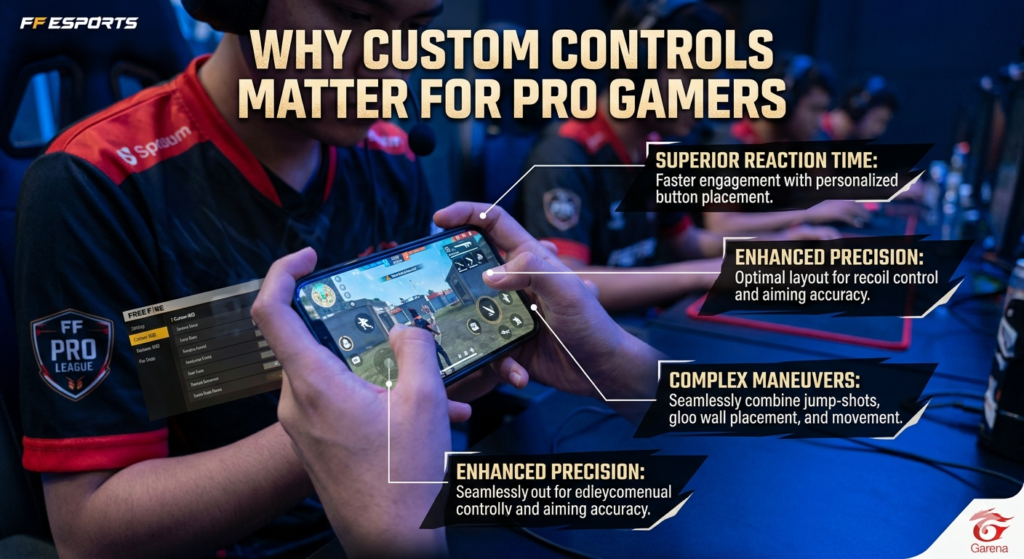
The main reason why pro players prefer customized settings is comfort, accuracy & speed. Which players don’t get in the default control setting.
Benefits of custom controls:
- Faster reactions: Optimized buttons and sensitivity give you an edge.
- Better accuracy: Fine-tuned aiming improves performance.
- Comfortable gameplay: Reduces hand fatigue during long sessions.
- Playstyle fit: Tailors controls to your unique habits.
Custom controls are not just convenience- they are a game-changer for anyone who wants to play like a pro.
Read More: How To Write Bio In Free Fire
Understanding Game Control Basics
Before you start customizing, it’s important to know the fundamentals. Most games offer default controls, but pro players tweak them for better performance.
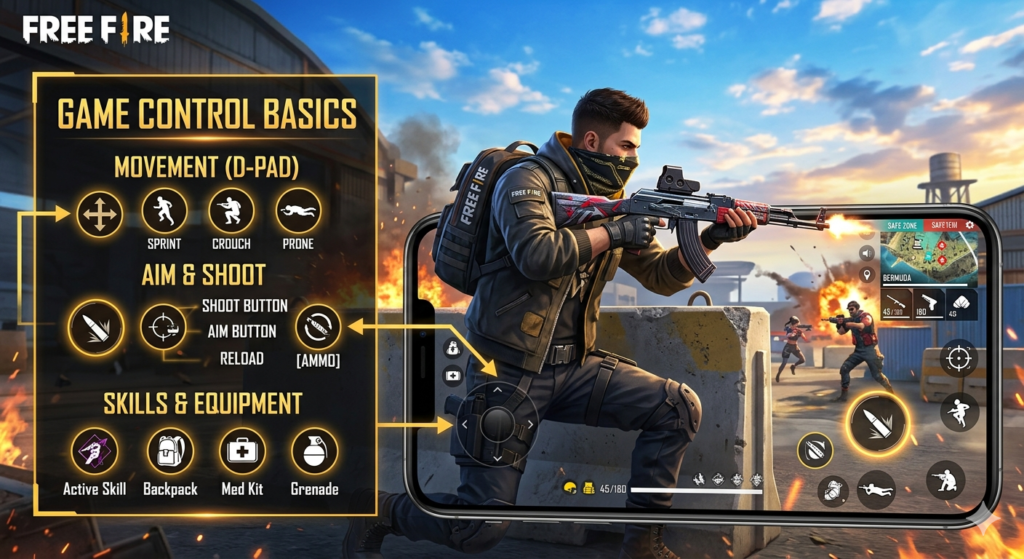
Key elements to focus on:
- Sensitivity: Adjust mouse or stick sensitivity for precise movements.
- Button Mapping: Place important actions where your fingers can reach quickly.
- Layouts: Experiment with different layouts for comfort and efficiency.
Mastering these basics is the first step to building a control setup that feels natural and responsive- just like the pros.
Read More: 100+ Pro Player Names In Free Fire
Step-by-Step Guide to Customizing Controls Like a Pro
Every pro gamer knows that smooth gameplay starts with the right controls. It’s not just about practice-small adjustments in keys, sensitivity and layout can turn ordinary play into precise, fast and effortless moves.
1. Assess Your Current Setup – Identify which buttons or actions feel awkward or slow.
2. Adjust Sensitivity – Find the right mouse DPI or stick sensitivity for accuracy and speed.
3. Remap Buttons – Place frequently used actions within easy reach for quicker reactions.
4. Optimize for Game Type – Shooter, RPG, or racing? Tailor your layout to the genre.
5. Test and Refine – Play practice rounds, tweak settings, and repeat until it feels natural.
With these steps, your control setup will be fast, comfortable, and perfectly suited to your playstyle.
Tips From Pro Players
Pro gamers treat controls like tools- they shape, test and tweak them continuously. Watching their approach can teach you smarter setups, faster reactions and a gameplay style that fits your hands perfectly.
- Analyze Top Setups: Study layouts of professional players for inspiration.
- Prioritize Comfort: Ergonomic positioning reduces fatigue during long sessions.
- Practice for Muscle Memory: Consistent use builds speed and precision.
- Don’t Copy Blindly: Adapt ideas to your own style, rather than copying exactly.
Following these tips will help you play smarter and make your custom controls truly pro-level.
Common Mistakes to Avoid When Customizing Controls
No matter how skilled you are small missteps in setting up controls can hurt your gameplay. Avoid shortcuts, overcomplicating layouts and ignoring comfort to keep your setup effective and efficient.

- Copying Setups Blindly: What works for pros might not suit your style.
- Overcomplicating Layouts: Too many changes can confuse your muscle memory.
- Ignoring Comfort: Uncomfortable setups cause fatigue and mistakes.
- Neglecting Practice: Custom controls only help if you train consistently.
Avoiding these mistakes ensures your control setup is both effective and sustainable.
Advanced Control Tweaks and Software
After nailing the basics now it’s time to explore smarter tools and tweaks. From software helpers to custom shortcuts, these advanced tricks can fine-tune your controls for faster, smoother and more precise gameplay.
- Use Controller Apps & Software: Tools like key-mapping apps let you customize buttons beyond the default options.
- Macros & Shortcuts: Assign complex actions to a single button for faster execution.
- Hardware-Specific Tweaks: Adjust settings for console controllers, mice, or keyboards to suit your device.
- Experiment Gradually: Small changes over time help you find the perfect balance without disrupting your gameplay.
Pro-level control isn’t just about settings-it’s about smart optimization and using the right tools.
Testing and Refining Your Setup
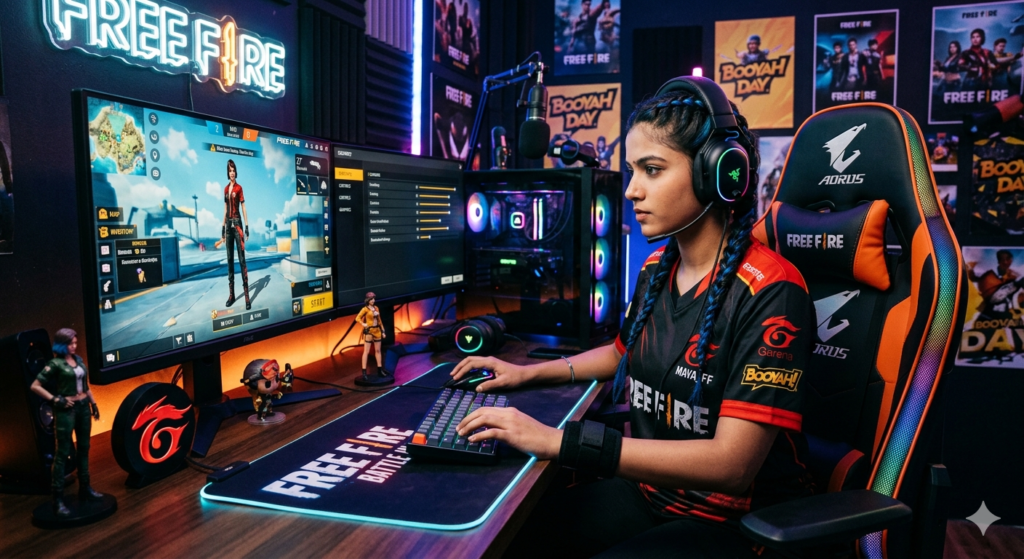
Setting up controls is just the start- true mastery comes from trial and adjustment. Test your layout in real gameplay, notice what works, tweak what slows you down and keep refining until it feels effortless.
- Play Practice Sessions: Test your settings in real-game scenarios.
- Track Performance: Notice if reactions feel slower or movements are awkward.
- Adjust Gradually: Make small tweaks rather than overhauling your setup all at once.
- Repeat & Adapt: As your skills evolve, continue refining controls to stay at peak performance.
By consistently testing and adjusting, your setup will feel natural, giving you the speed, precision, and comfort of a pro gamer.
FAQs About Customizing Controls Like a Pro
Q1: How do pro players choose control setups?
They experiment with sensitivity, layouts, and button mapping until it matches their playstyle.
Q2: Can custom controls improve reaction time?
Yes! Optimized controls reduce delays and make actions faster and more precise.
Q3: Should I copy a pro player’s layout exactly?
No-use it as inspiration, but adapt it to your own comfort and habits.
Q4: How often should I tweak my controls?
Gradually, as your skill level and game strategies evolve.
Q5: Do custom controls work for all game genres?
Absolutely-shooters, RPGs, racing, or strategy games all benefit from optimized controls.
Read More: Free Fire Ka Baap Kaun Hai?
Conclusion:
At the heart of it, winning in games is not just about practice. How you set up your controls can change the way you play. Even the smallest tweaks can make your moves faster and make your aim sharper.
Professional gamers understand that customizing controls is the key to a seamless gaming experience. Changing the key placement, sensitivity and layouts can make the game feel easier and smoother.
The purpose of this guide is to help you set your controls as well as your other settings to improve your gaming experience. In this guide, you will find no gimmicks, just straight up simplicity to optimize your speed, comfort, and enjoyment in gaming.
Explore more gaming tips and strategies on freefirestylecode.com and stay updated with the latest news and guides by joining our WhatsApp channel!”