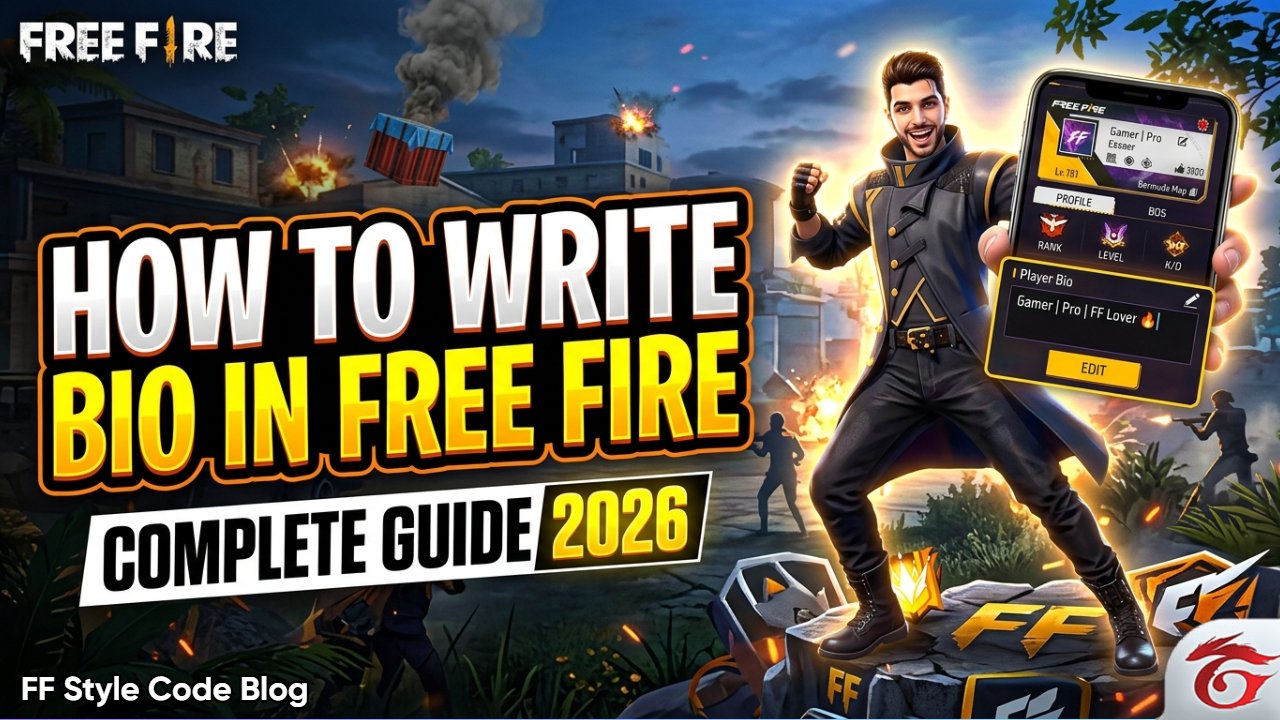
If you play garena free fire, you already know that your profile represents your identity. In such a situation, the question how to write bio in free fire becomes very important for every player, because your bio is the first thing other players notice.
So in this guide article, you will learn how to write bio in free fire, including how to use colorful text, stylish symbols, add your instagram id, v badge and create a long bio.
Here, we will give you step-by-step tips so that you can easily learn how to write bio in free fire. You can also share this information on social media and with your friends, so they too can add a stylish bio in the game without any hassle.
Why Free Fire Bio Is Important?
A Free Fire bio plays a key role in shaping your profile. It helps you express your personality, showcase your skills, and stand out from other players.
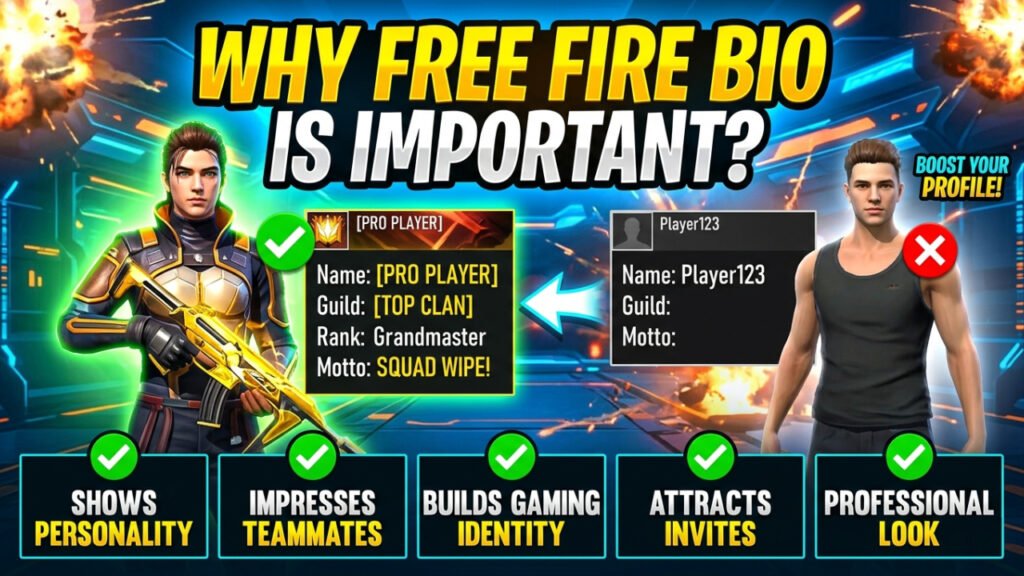
Why You Need a Strong Bio:
Shows your personality
Your bio reflects your attitude, mindset, and gaming style.
Impresses teammates & friends
A strong bio makes others see you as a serious or pro player.
Builds your gaming identity
It helps create your unique identity in the game.
Attracts followers & guild invites
An attractive bio encourages others to follow or invite you.
Makes profile look professional
A stylish bio gives your profile a clean and impressive look.
How To Write Colourful Bio In Free Fire
Want to make your Free Fire bio stand out? In this section, you will discover how to create a colorful and eye-catching bio that grabs attention instantly. By following the steps carefully, you can turn your profile into something truly unique.
Although Free Fire doesn’t provide a built-in option to change text color, there’s a hidden trick-color codes.
Simply add a color code before your text, and the game will automatically display your bio in that color. It’s an easy yet powerful way to upgrade your profile and show off your style.
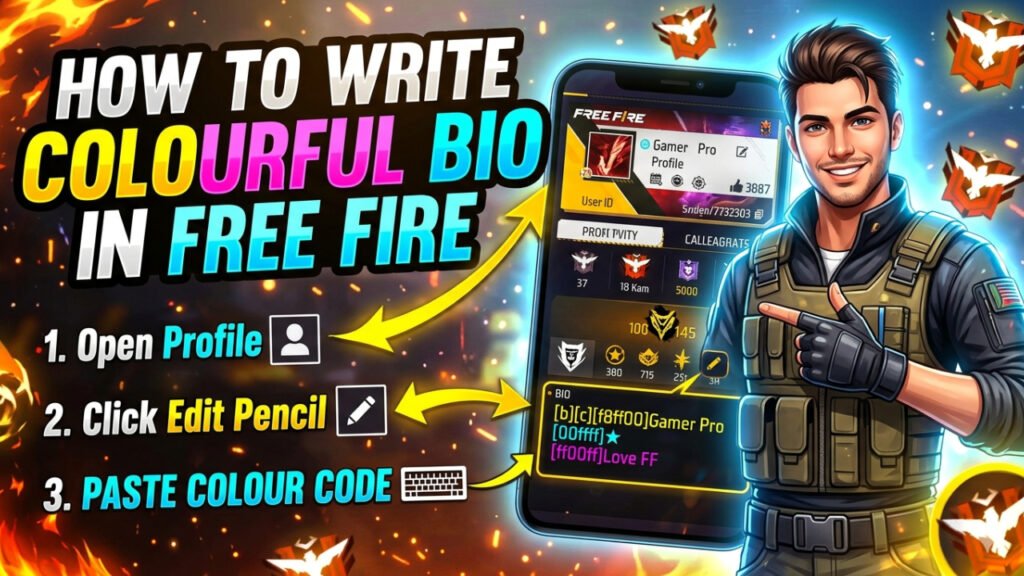
Steps:
- Open your free fire profile (profile icon in the top left corner)
- Click on edit pencil icon (pencil icon in the bottom right corner)
- Paste the color code in your bio (below your profile, you will see a small box for your bio; to the right of it is a pencil icon—click on it to paste your preferred bio.)
Example:
[FF0000]PRO PLAYER
[00FF00]HEADSHOT KING
How To Put Instagram Id in Free Fire Bio
Adding your Instagram ID to your Free Fire bio is a great way to boost your online presence. It helps you attract more followers and makes your profile look more stylish and professional.
With just a few simple steps, you can link your identity and grow your social reach. Check out the points below and don’t forget to share them
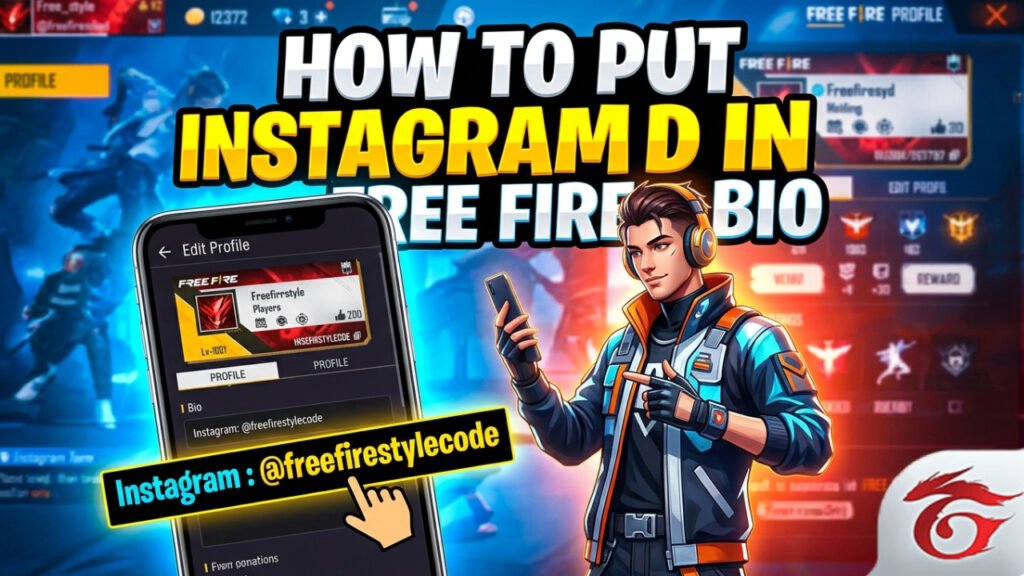
Steps:
- Go to the profile edit section.
- Enter your id like this: (bio entering box)
Instagram: @freefirestylecode.com/blog/ - Save it.
- Keep your id simple and clear so people can easily find you.
Please note that the points mentioned in the section above apply equally to this section as well for example, you can directly add your instagram id or any other username to the bio entry box.
How To Add V Badge In Free Fire Bio
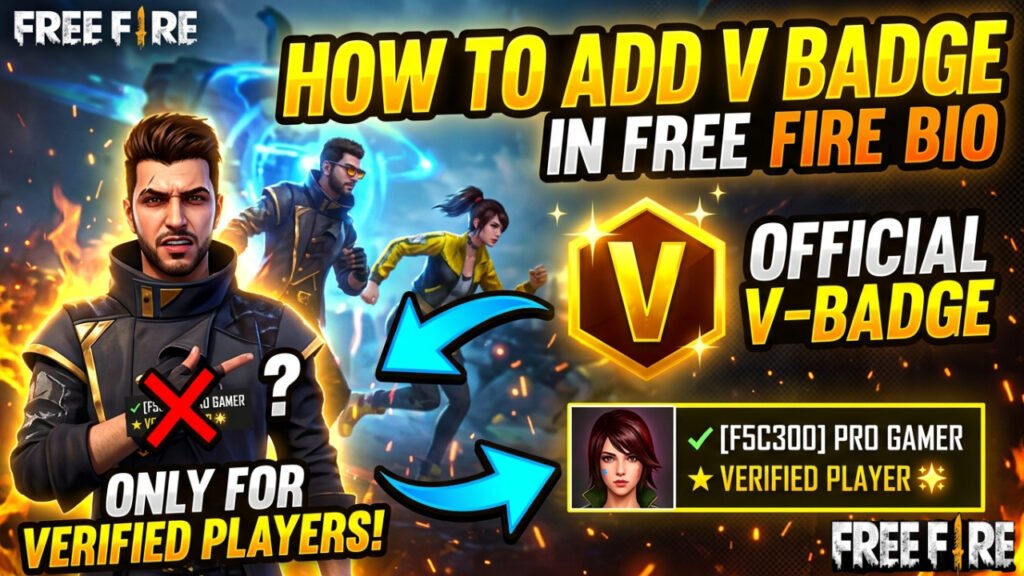
This post explains how the V Badge works in Free Fire and how players can obtain it. The V Badge is a verification mark awarded exclusively to selected creators who are part of the Free Fire Partner Program.
In free fire, the v badge is a verification symbol that shows: the player is an official content creator, they are recognized by garena free fire, the player is active on youtube, instagram, or streaming platforms
Steps:
- You cannot manually add the v badge
- It is only given to verified players
- But you can create a similar look using symbols
Example:
✔ verified player
★ PRO GAMER
How To Write Long Free Fire Bio
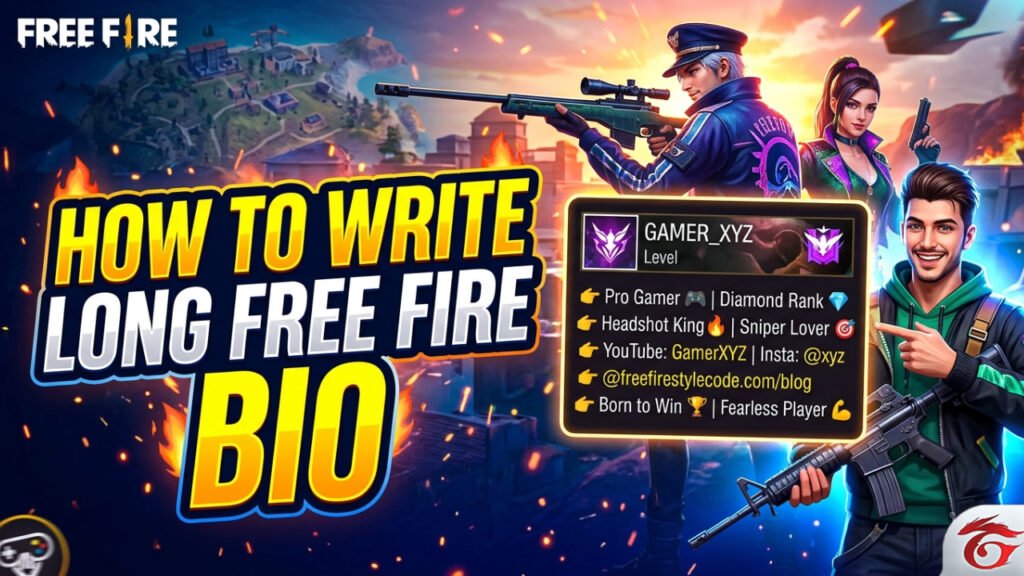
If you want to write a long and engaging bio in garena free fire, you need to craft it correctly so that it appears both interesting and professional. Therefore, here you will find information regarding every step and tip related to how to write long free fire bio.
Steps:
Start with a short introduction
Begin your bio with a brief intro, for example:
👉 “pro gamer | ff lover 🎮”
Add your skills and rank
Show your gameplay level:
👉 “diamond player 💎 | sniper expert 🎯”
Include social media or id
If you want to grow your audience:
👉 “youtube: gamerxyz | insta: @xyz”
Use stylish symbols and fonts
Make your bio attractive with symbols and fancy text:
👉 ★彡, 🔥, ⚡, 😎
Add an attitude or unique line
A strong line makes your bio powerful:
👉 “born to win 🏆 | never give up 💪”
Example:
👉 pro gamer 🎮 | diamond rank 💎
👉 headshot king 🔥 | sniper lover 🎯
👉 youtube: gamerxyz | insta: @xyz
👉 born to win 🏆 | fearless player 💪
How To Add Stylish Character In Free Fire Bio
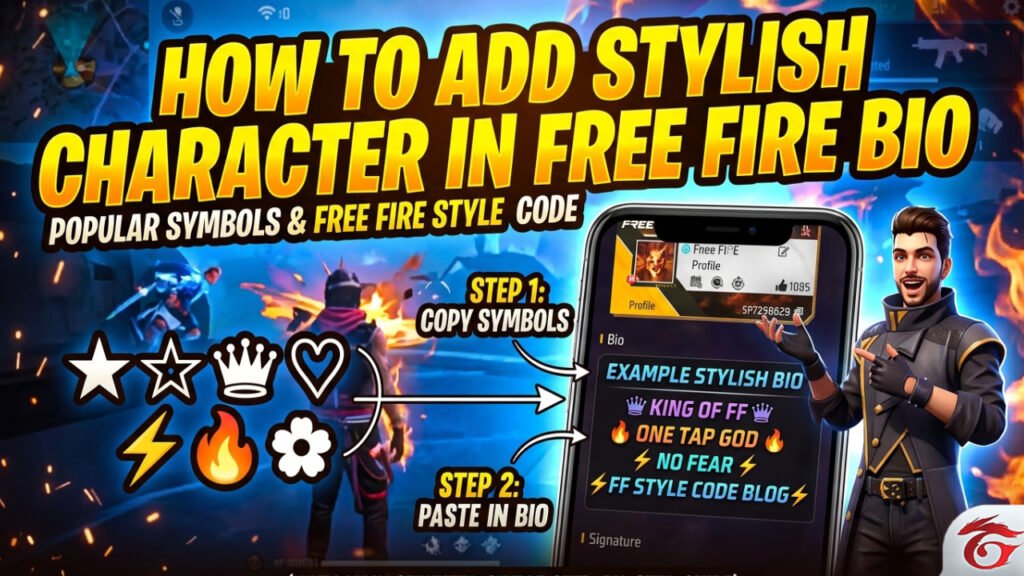
Looking to enhance your Free Fire bio? This is the right place to start. Here, you will learn how to incorporate stylish characters and symbols to create a more engaging and visually appealing bio.
Using unique characters helps your profile stand out and gives it a refined, premium appearance. Be sure to try it and share this method with your friends.
Use a stylish text generator
You can use online stylish text generator websites (like fancy text tools) to convert your name or bio into different fonts and styles. You can then copy it from there and directly paste it into your free fire bio.
Add symbols and special characters
You can add different symbols like ★, ♡, 亗, 🔥, ✿, ⚡, etc., to your bio. These symbols give your bio a cooler and more professional look. Just copy them and paste them into your bio.
Popular symbols:
★ ☆ ♛ ♡ ⚡ 🔥 ✿
Example stylish bio:
♛ king of ff ♛
🔥 one tap god 🔥
⚡ no fear ⚡
Conclusion:
In conclusion, this guide has provided a complete understanding of how to write an effective Free Fire bio. All key aspects have been explained in a clear and structured manner, making it accessible for both new and experienced players.
You have explored various techniques, including the use of color codes, stylish characters, social media integration, and crafting a unique bio.
If you found this guide helpful, consider sharing your feedback in the comments section and sharing this resource with others who may benefit from it.
Read more blogs like this on freefirestylecode.com/blog. Also join whatsapps group for more updates.