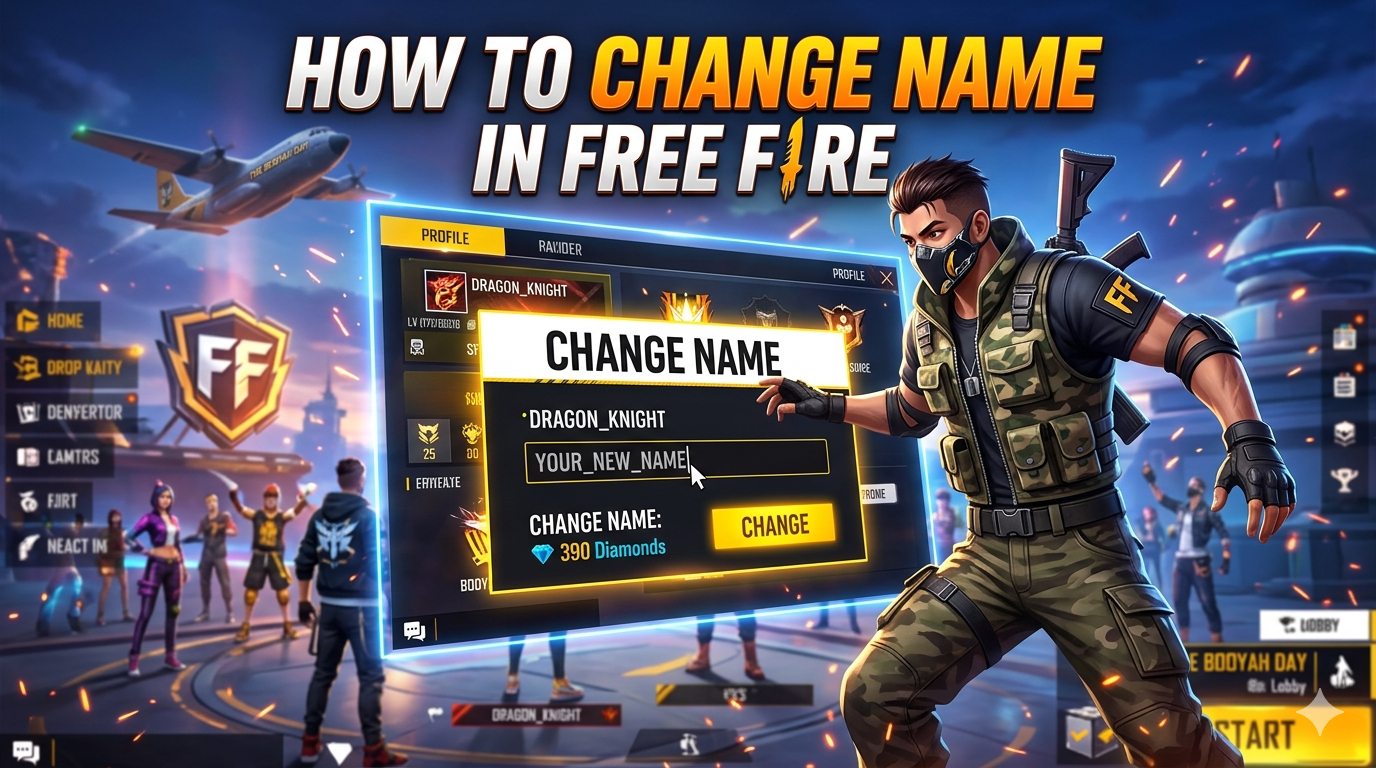
In a game like Free Fire, having a unique and stylish in-game name (IGN) has become an important part of your identity because it is the first thing other players notice. As You know, Free Fire is one of the most popular battle royale games in the world, especially among mobile gamers who enjoy fast-paced action and competitive gameplay. With millions of active players, your name is not just a label, it represents your personality, skills and reputation on the battlefield.
That is why many players decide to change their Free Fire name over time. Some want a fresh identity, others look for something more creative or eye-catching, and sometimes it’s simply about fixing a name they rushed while creating their account. Whatever the reason Free Fire makes it fairly simple to update your name.
In this guide you will learn how to change your name in Free Fire step by step, including both paid and free methods, along with important tips to avoid common mistakes.
Additionally, we have included 100+ pro player name ideas for Free Fire -don’t miss them if you want a stylish and powerful in-game identity.
Requirements To Change Name In Free Fire
A successful name change in Free Fire depends on meeting the required criteria set by the game. So if you are thinking about changing your Free Fire name, make sure you meet the necessary requirements first. Missing any of these can stop you from successfully updating your name.

1. Name Change Card or Diamonds
To change your name, you’ll need either:
Name Change Card, or
390 Diamonds (in-game currency)The Name Change Card is the most common method, as it allows you to rename your profile without directly spending diamonds at that moment.
2. Access to Store or Events
You can get a Name Change Card by:
Purchasing it from the in-game store
Earning it during special events or rewards
3. New Unique Name
Your new name must:
Be unique (not already taken)
Follow Free Fire naming rules
Stay within the character limit
4. Valid Characters Only
Free Fire allows:
Letters (A–Z)
Numbers (0–9)
Special symbols (limited set)
Avoid restricted or inappropriate words, or your name change may fail.
Pro Tip
Before changing your name prepare 2-3 backup options in case your desired name is already taken. This saves time and diamonds!
Read More: How To Write Bio In Free Fire
Step-by-Step Guide To Change Name In Free Fire
If you want to Learn How to switch to a new name in Free Fire then you are in the right place. Changing your name in Free Fire is quick and easy if you follow the right steps. Below is a simple step-by-step guide to help you update your in-game name in no time without any confusion.
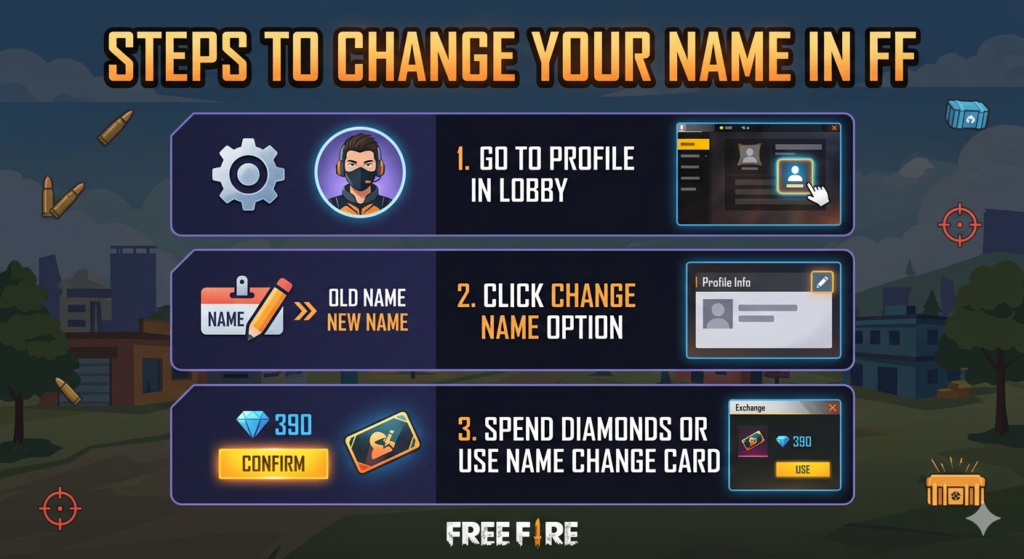
Steps To Change Your Name
1. Open Free Fire
Launch the game on your mobile device and log in to your account.
2. Go To Your Profile
Tap on your profile icon located at the top-left corner of the screen.
3. Click On The Edit Icon
Next to your current name, you’ll see a pencil/edit icon. Tap on it.
4. Enter Your New Name
Type your desired nickname in the text box. Make sure it follows all rules and is unique.
5. Confirm The Change
Use a Name Change Card, OR Pay 390 Diamonds
Tap confirm, and your new name will be updated instantly
Quick Tip
Make sure to double-check your spelling before confirming, because once changed, you’ll need another Name Change Card or diamonds to edit it again.
Read More: Secret Free Fire Sensitivity Settings
How To Change Name In Free Fire Without Diamonds
If you don’t want to spend diamonds in Free Fire, there are still a few ways you can change your name for free. While these methods may require some patience, they can save you valuable in-game currency.

1. Use Name Change Card (Free Method)
The easiest way to change your name without diamonds is by using a free Name Change Card.
You can get it from:
Special in-game events
Seasonal rewards
Login bonuses (occasionally)Once you have the card, you can rename your account without spending diamonds.
2. Participate In Events
Free Fire frequently introduces limited-time events where players can earn rewards like:
Name Change Cards
Diamonds
Other useful itemsKeep checking the Events section regularly so you don’t miss these opportunities.
3. Use Redeem Codes
Sometimes, developers release redeem codes that can give free rewards.
Visit the official redemption website: Garena Free Fire Rewards Redemption Site
Enter a valid code
Claim rewards (if available)Note: Redeem codes are time-limited and may not always include a Name Change Card.
4. Wait For Special Offers
Occasionally, Free Fire offers discounted or free items during festivals or major updates. This is a great time to grab a Name Change Card.
Important Note
There is no permanent direct way to change your name completely free anytime you must rely on rewards or events.
Read More: Free Fire Ka Baap Kaun Hai?
Best Stylish Name Ideas For Free Fire
In a game full of millions of players, having a standout name gives you an edge. A stylish and unique nickname helps you create a strong identity on the battlefield. Take a look at these trendy and customizable name ideas.
Stylish Names For Boys
| Name 1 | Name 2 |
|---|---|
| 𝕯𝖆𝖗𝖐々𝕶𝖎𝖓𝖌 | DEAD乂SHOT |
| 亗Shadow彡Hunter | ꧁ঔৣ☬BadBoy☬ঔৣ꧂ |
| ⚡Storm々Breaker | 𝙺𝙸𝙻𝙻乂𝙼𝙰𝚂𝚃𝙴𝚁 |
| ♛ᴳᵒᵈ々Fᴀᴛʜᴇʀ | ☠︎︎VenomメX |
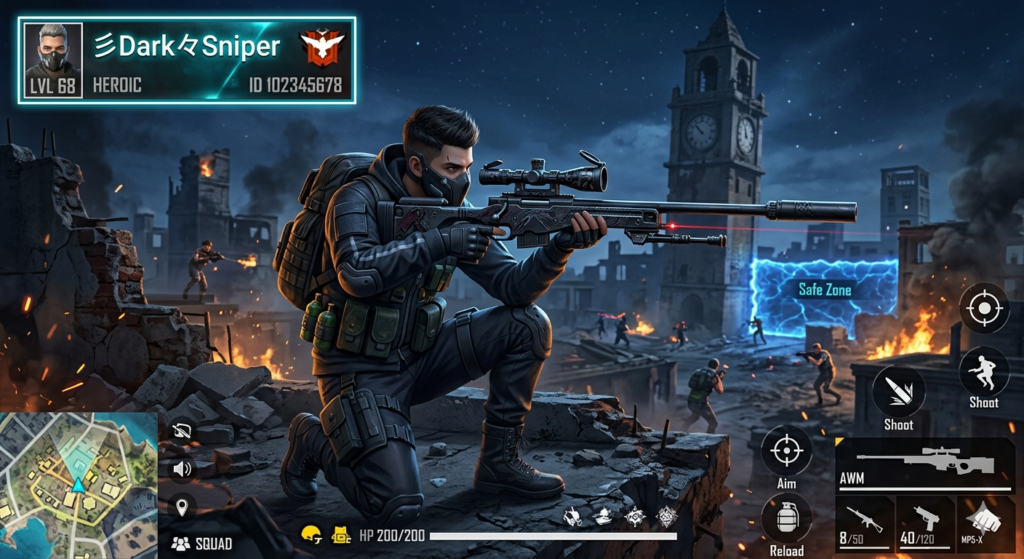
| 乂Rogue々Knight | 彡Dark々Sniper |
| ⚔️Blade々King | ☣︎Toxic々Boy |
Stylish Names For Girls
| Name 1 | Name 2 |
|---|---|
| ✿Queen々Angel | 𝓛𝓸𝓿𝓮𝓵𝔂࿐Girl |
| ♡Cutie々Pie | 🌸PrincessメGamer |
| ✨Miss々Killer | 💫Baby々Doll |
| ꧁༒☬SweetGirl☬༒꧂ | 🌹Rose々Queen |
| 💖Angel々Star | ❀Pretty々Lady |
| 🌼Dream々Girl | 💎Queen々Bee |

Cool & Unique Names
| Name 1 | Name 2 |
|---|---|
| 么Legend乂OP | 亗NoMercy々 |
| ZERO々FEAR | 🔥BlazeメFire |
| 乂Silent々Kill | ⚔️Warrior彡X |
| Ghost々Rider | 彡Alpha々Wolf |
| ☠︎︎Death々Note | ⚡Flash々X |
| 乂Inferno々King | 🌀Storm々X |

Pro Tips For Stylish Names
- Use symbols and special characters to make your name unique
- Try combining words + symbols + numbers
- Use online stylish text generators for more variations
- Always keep 2–3 backup names ready
Rules & Restrictions For Free Fire Names
In order to change your name in Free Fire it’s very important to follow certain rules. Because If your name doesn’t meet these guidelines, the game will reject it instantly.
1. Character Limit
Your name must be within the allowed character limit (usually 12–14 characters)
Longer names will not be accepted
2. Allowed Characters
You can use:
Letters (A–Z, a–z)
Numbers (0–9)
Selected special symbols (like _, ., and some stylish fonts)
3. Restricted Words
Offensive or abusive language is not allowed
Names violating community guidelines may be rejected or banned
4. Unique Name Requirement
Your name must be different from existing players
If the name is already taken, you’ll need to modify it
5. Unsupported Symbols
Some special characters or fonts may not work
If your name shows an error, try removing or replacing symbols
6. No Frequent Free Changes
You cannot change your name repeatedly for free
Each change requires a Name Change Card or diamonds
Common Problems & Fixes While Changing Name
As you go through the name change process, a few problems might come up. Luckily, each one has a quick fix.
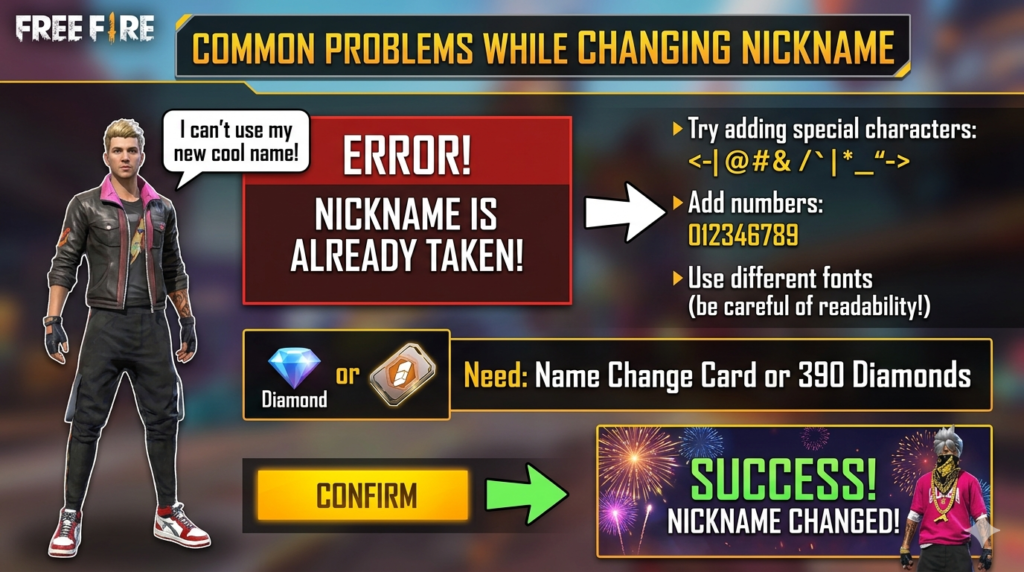
1. Name Already Taken
- Problem:
You enter a name, but it shows “Name already exists. - Solution:
Add symbols (々, 亗, メ)
Include numbers (YT, 99, 777)
Try a slightly different spelling
2. Not Enough Diamonds
- Problem:
You don’t have 390 diamonds to change your name. - Solution:
Use a Name Change Card
Earn diamonds from events
Wait for special rewards
3. Invalid Name Error
- Problem:
The game does not accept your name. - Solution:
Remove unsupported symbols
Avoid special fonts that are not allowed
Keep the name within the character limit
4. Restricted Words Issue
- Problem:
Your name gets rejected due to inappropriate words. - Solution:
Avoid offensive or banned terms
Use clean and creative alternatives
5. Name Not Updating
- Problem:
You changed your name, but it still shows the old one. - Solution:
Restart the game
Check your internet connection
Wait a few minutes for server update
Pro Tip
Always test your name in the input box before confirming, so you don’t waste diamonds or a Name Change Card.
Frequently Asked Questions (FAQs)
Here are some common questions players ask about changing their name in Free Fire:
🔹 How many times can I change my name in Free Fire?
You can change your name unlimited times, but each time you’ll need a Name Change Card or 390 diamonds.
🔹 Is name change free in Free Fire?
No, name change is not permanently free. However, you can sometimes get a free Name Change Card through events or rewards.
🔹 Can I change my name without diamonds?
Yes, you can change your name without diamonds if you have a Name Change Card obtained from events or rewards.
🔹 Why is my Free Fire name not accepted?
Your name may be rejected because:
It is already taken
It contains restricted words
It uses unsupported symbols
🔹 What is the character limit for Free Fire names?Free Fire names usually have a limit of 12–14 characters, including symbols and spaces.
🔹 Can I use stylish fonts in my name?
Yes, but only supported fonts and symbols will work. Some fancy fonts may cause errors.
Conclusion:
It’s easy to rename your Free Fire profile once you understand the process, steps, and requirements. Whether you use diamonds or a Name Change Card, you can easily update your in-game identity in just a few clicks.
Having a unique and stylish name not only makes your profile stand out but also helps you build your identity in the game. Just remember to follow the naming rules, double-check your spelling, and keep backup options ready to avoid any issues.
If you are looking to level up your profile even more, try using creative symbols and stylish fonts to make your name truly eye-catching. Now that you know everything, go ahead and change your Free Fire name and make your mark on the battlefield! 🎮
Explore more helpful guides on freefirestylecode.com and stay updated by joining our WhatsApp channel for the latest tips, tricks, and stylish name ideas 🚀